Video summarising release
New features
Accrual forecasting
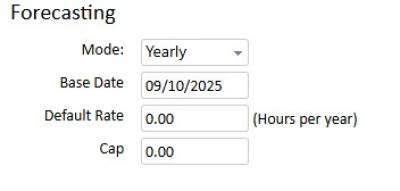
- Add projected options in Accrual Group configuration
Configure the forecast calculations for each accrual type. There are four options -
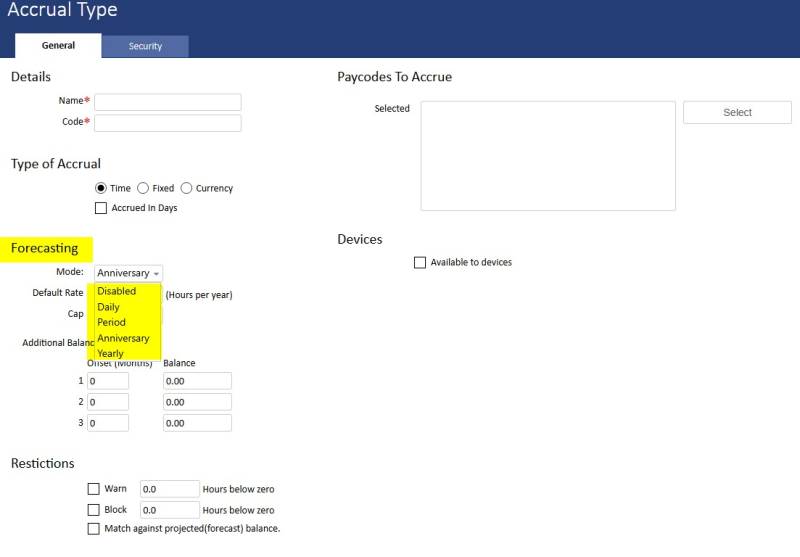
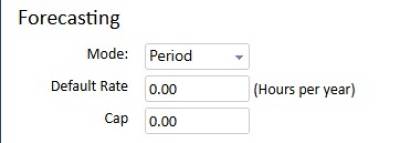
Daily or period allows an accrual value per cycle
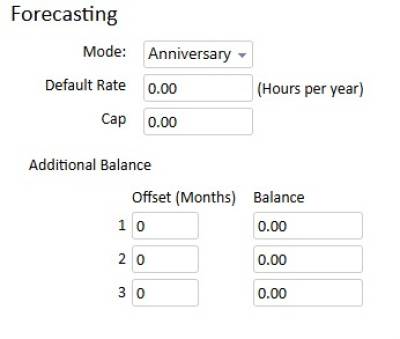
Anniversary allows a value per anniversary roll-over
Yearly is a global config with the same roll-over date for all employees.
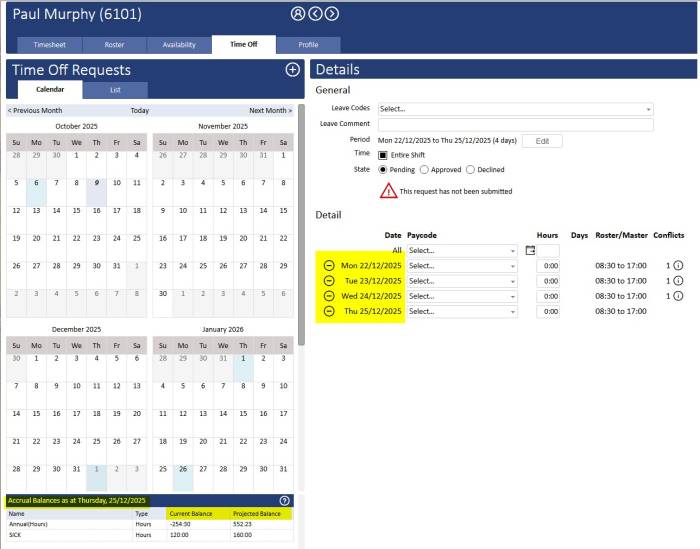
- Add projected balances to Time Off page (Managers and Employee Self Service)
Once you have selected the dates for the time off request the projected accrual balances will be calculated and displayed.
- Add projected balances in time sheet
The projected accrual balances will display in the detail of the accrual totals on the right of the screen. The project balance will be calculated on the timesheet period currently open.

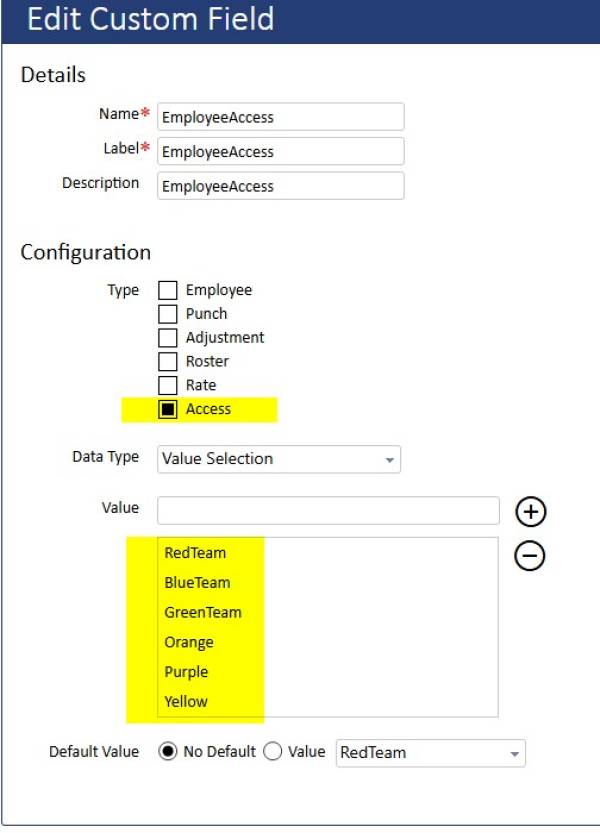
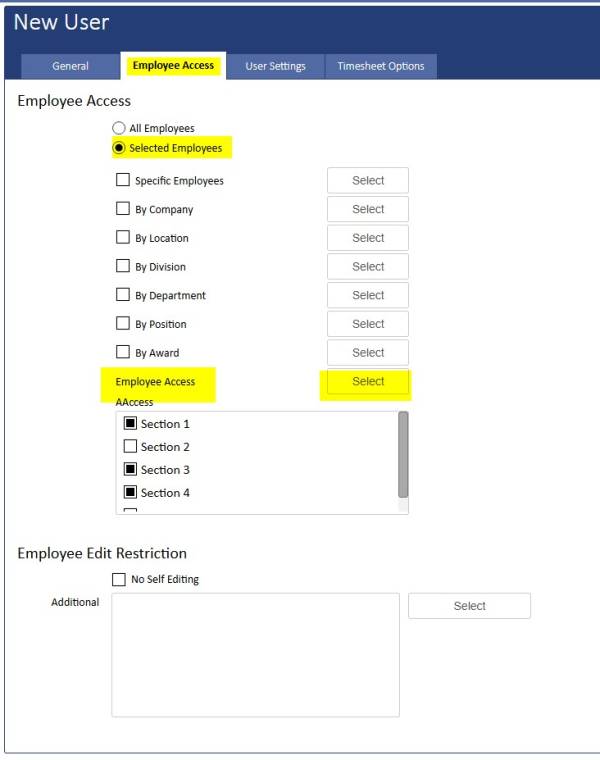
Employee Custom Field type "Employee Access" that can be used for User Employee Access - additional to current Employees/Award/Company Structure
- You can now use a new custom field type to create custom employee 'groups' and allocate this custom field to the employee profile.
- Then you can change the USER employee access to use this custom configuration so that the employees they have access to are not defined by award or company structure.
Enable all file upload functionality by default
- New file upload functionality is enabled by default. You can upload files to the employee profile (eg: forklift licence) or the time sheet for a particular pay period (eg: doctor's certificate).
- The files can be uploaded from within biotime (pdf or jpeg recommended) or from the mobile app (scan you doctor's certificate straight to the time sheet).
- Files can be viewed or removed if you have permissions in your security role.
- Debug files can also be uploaded from the mobile app and these are found in the 'Device'.



Improvements
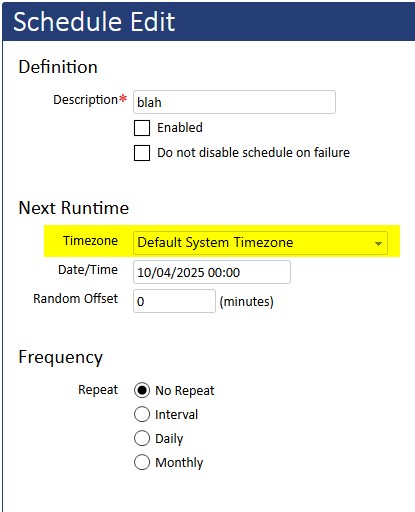
Scheduled task timezone designation
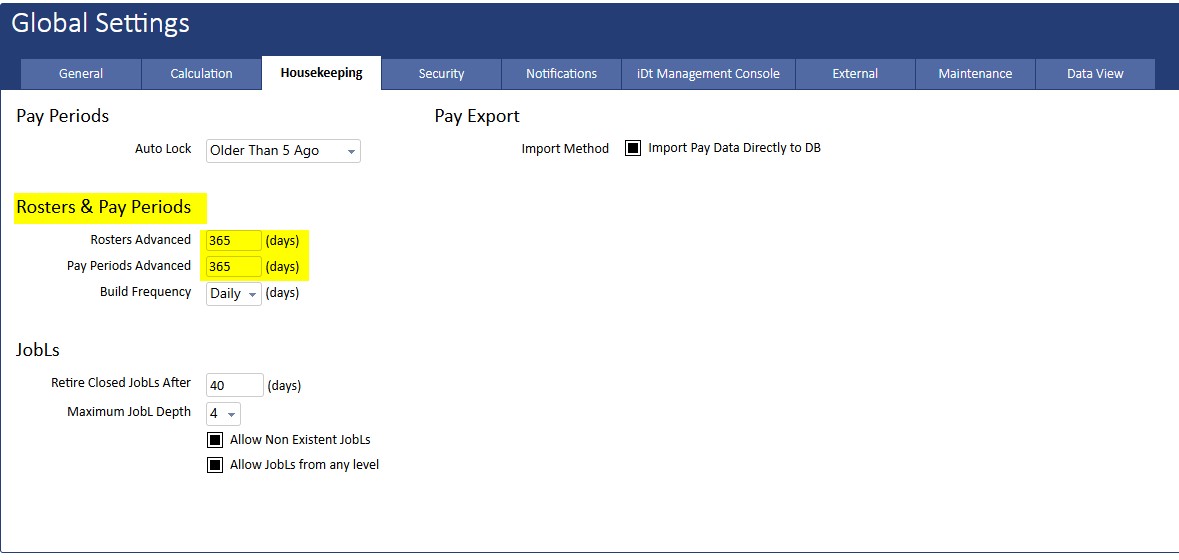
Change default payperiod build ahead to 365 days
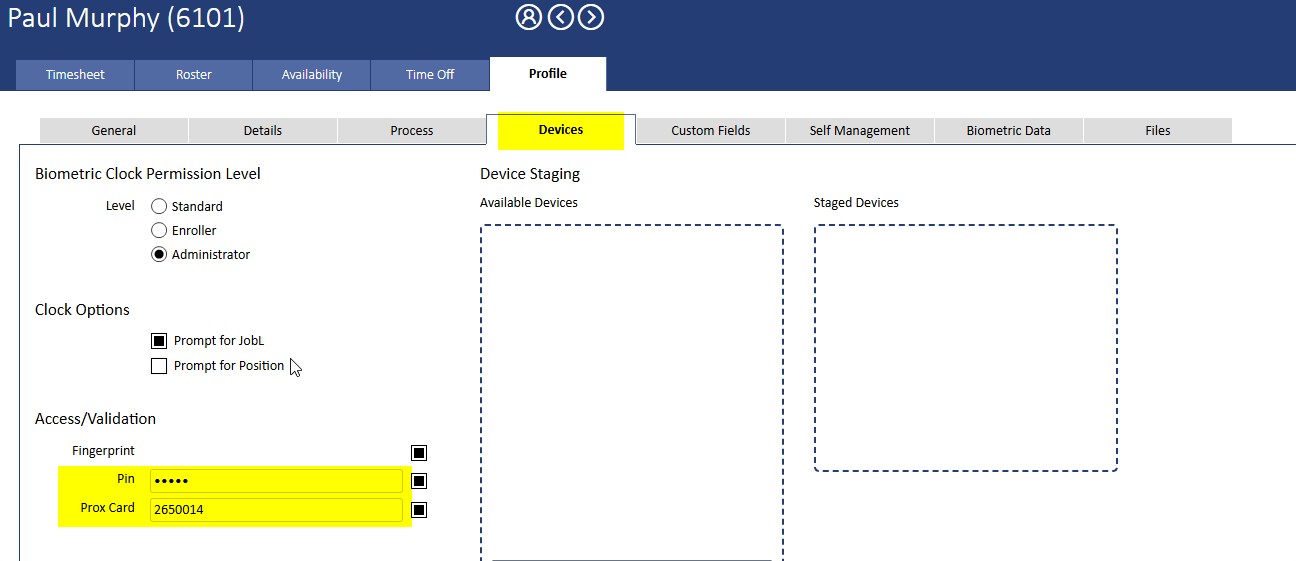
Setting PIN/RFID on biotime Employee Profile will update BS8 series clock Employee Validation Method
- If you manually set the PIN or Prox card fields on the Employee Profile the timeclocks will be updated for that employee.
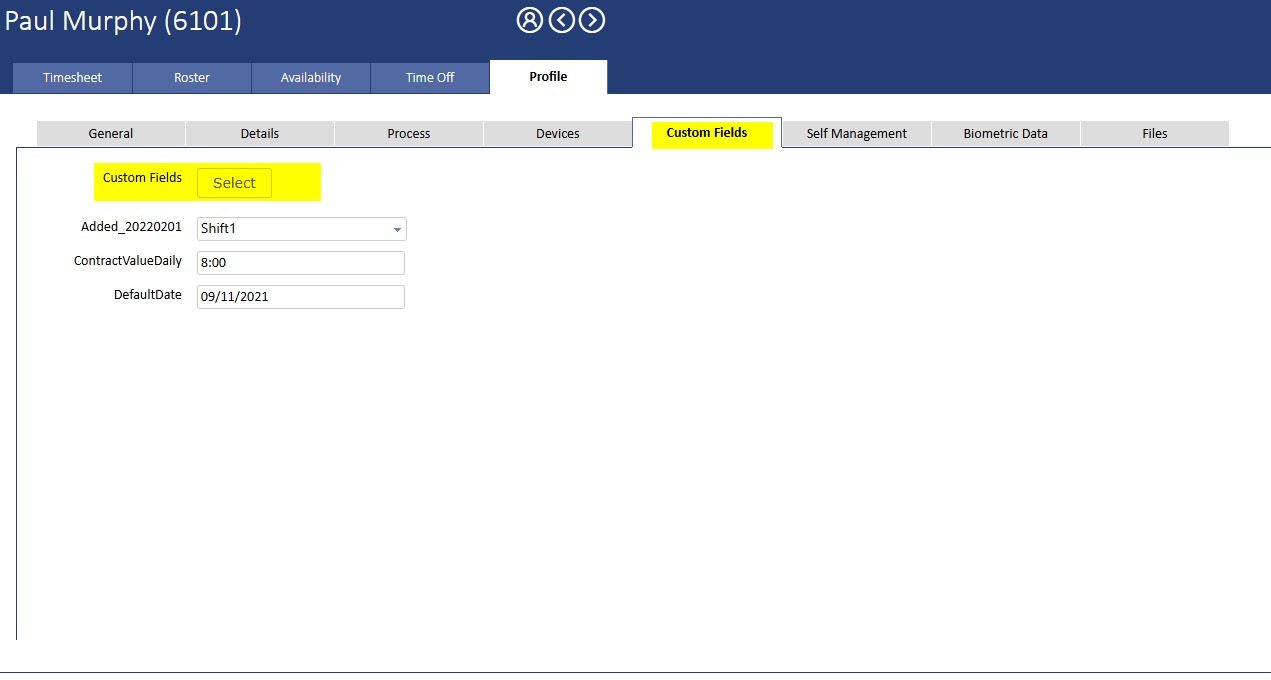
Employee Profile Custom Field tab - removed clutter of empty/unused customfields.
- No longer displays all configured custom fields, only the custom fields you select will display in each employee profile.